 Porchsite
Your website, kept by your assistant.
Tell your AI assistant what's new. It writes the page, and nothing goes live until you tap approve. Free, on your own Cloudflare account.

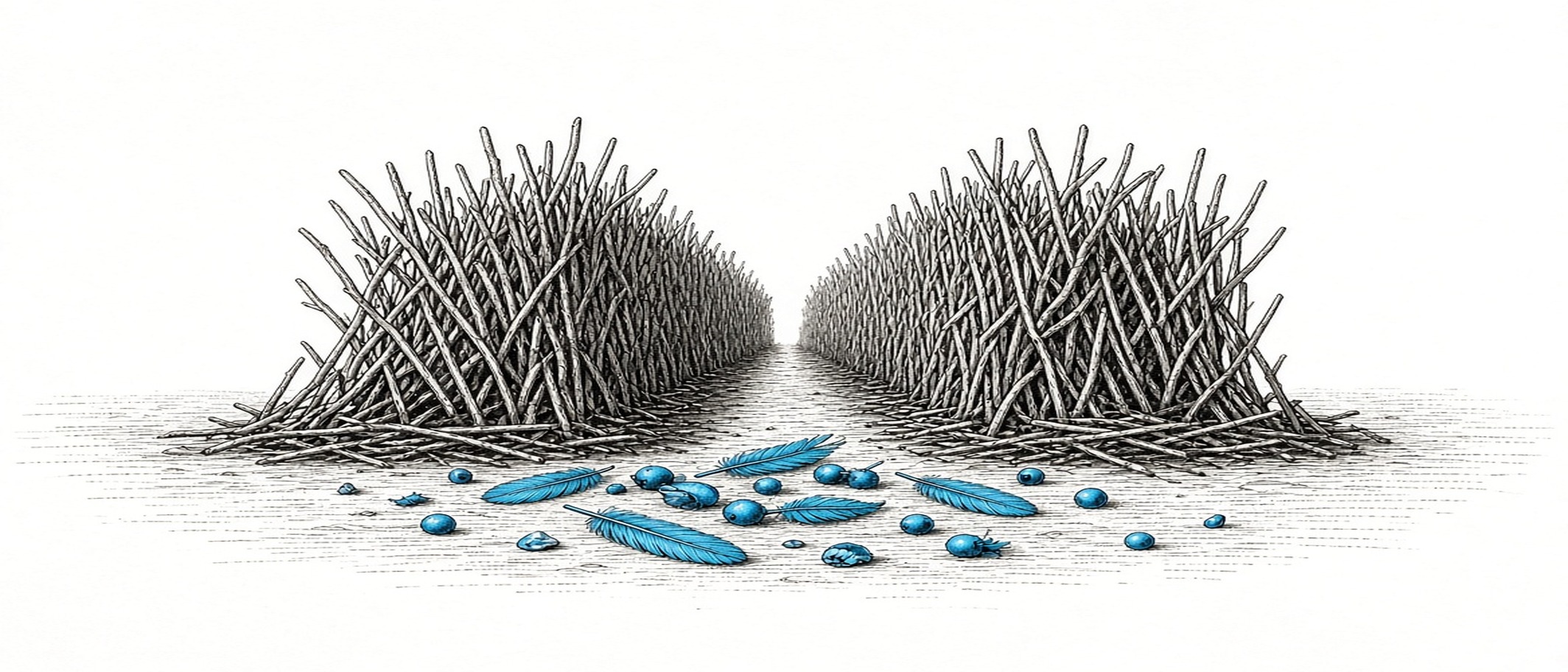
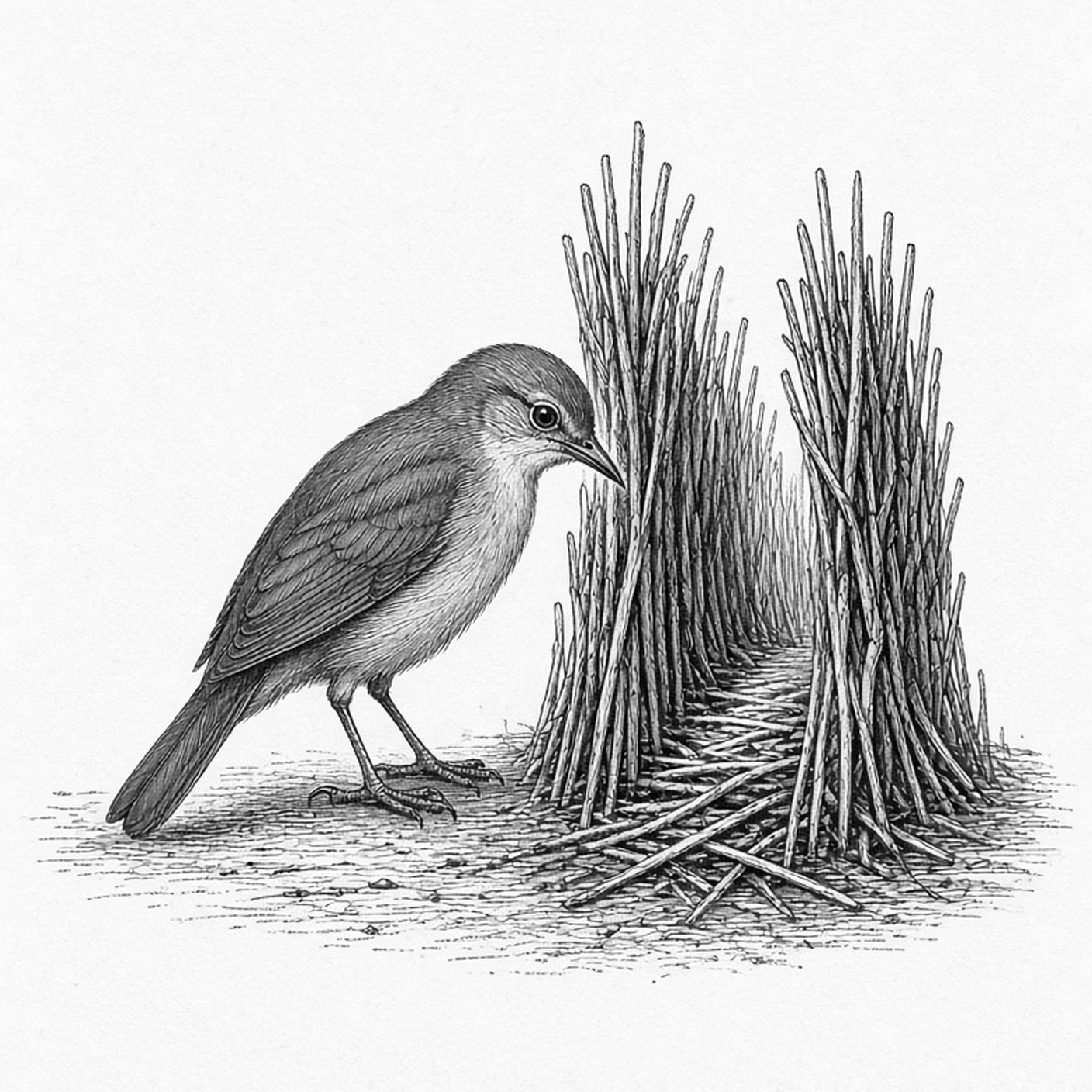
A bowerbird doesn't build its display once. It keeps it, every day, one blue feather at a time.
This page is the proof
An AI assistant built this site from the public install guide and keeps it up to date. No one wrote code for it. Every change you see here was approved by its owner with a passkey before it went live.
Say it out loud
Tell your assistant: Set up Porchsite from porchsite.dev. It sets up the site on your own Cloudflare account, one step at a time, and asks you only for what it can't do itself.
After that you talk, it writes. A trip, a project, a photo from your phone: your assistant drafts the page and sends you a link to approve.
What it is instead of
- A website builder — you drag boxes around, then stop updating it
- A blog platform — another login, another editor, another thing to remember
- Paying a developer — every change is an email and an invoice
- Letting an AI publish for you — fast, until it posts something you never saw
Porchsite does one thing: it lets your assistant keep your site, and keeps you in charge of what goes live.
Nothing goes live without your yes
Every change waits for you
Your assistant drafts. The page stays as it was until you approve, on your phone, with your passkey.
Every version kept
Each change is kept. Your assistant can put anything back the way it was.
Secrets never enter the chat
Tokens go through your assistant's secret field, never into a message, a memory or a file.
Your account, your site
It runs on your own Cloudflare account. Nobody else hosts it, and you can take it anywhere.
Read more
- How it works From one sentence to a live site, and what happens after.
- For assistants Start at llms.txt. Everything an assistant needs is there.
- Install Tell your assistant: Set up Porchsite from porchsite.dev.